Final solution — see risk before you submit

→ Defined risk intelligence & assessment workflows
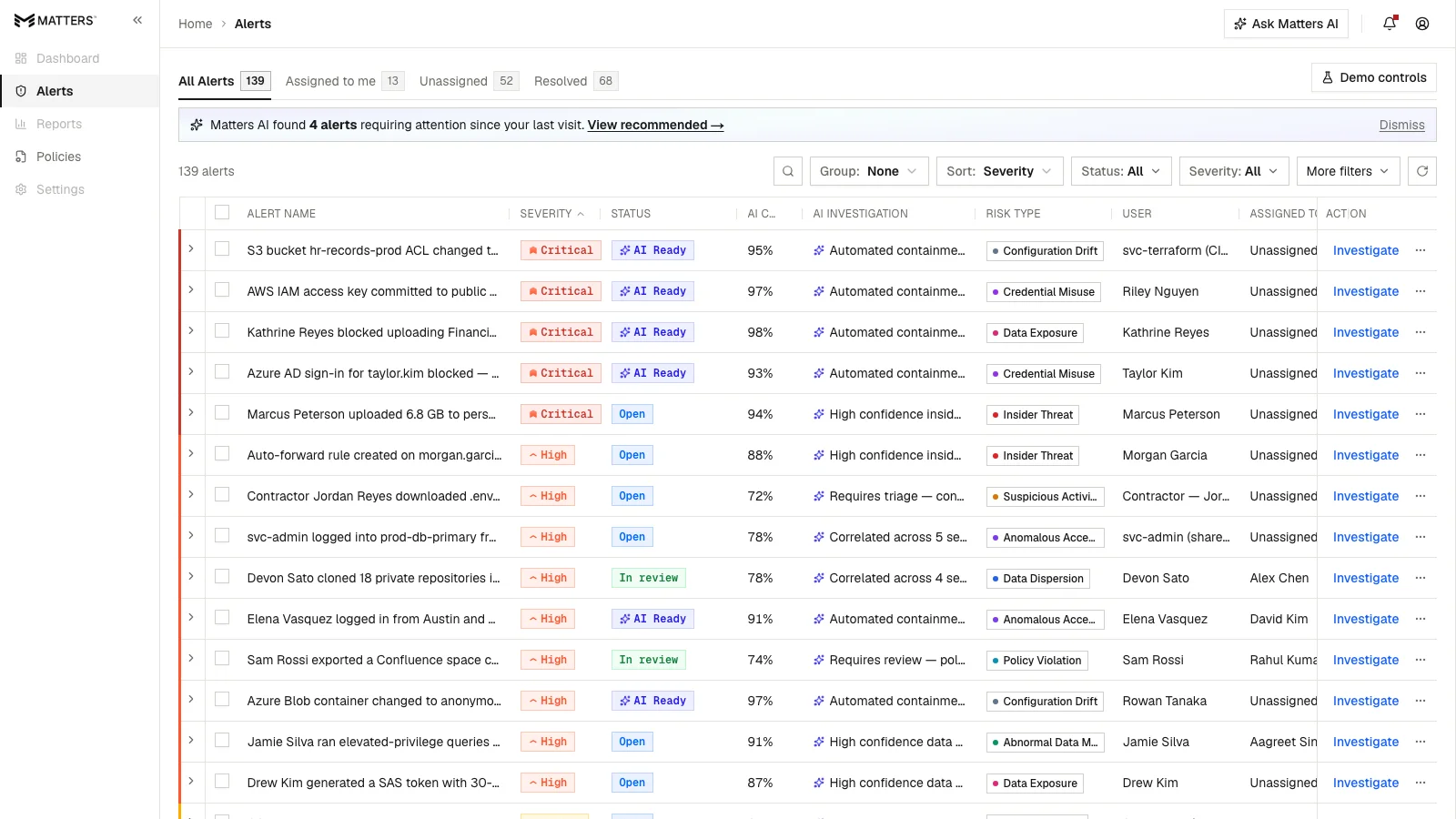
→ Designed guided remediation & AI-assisted experiences
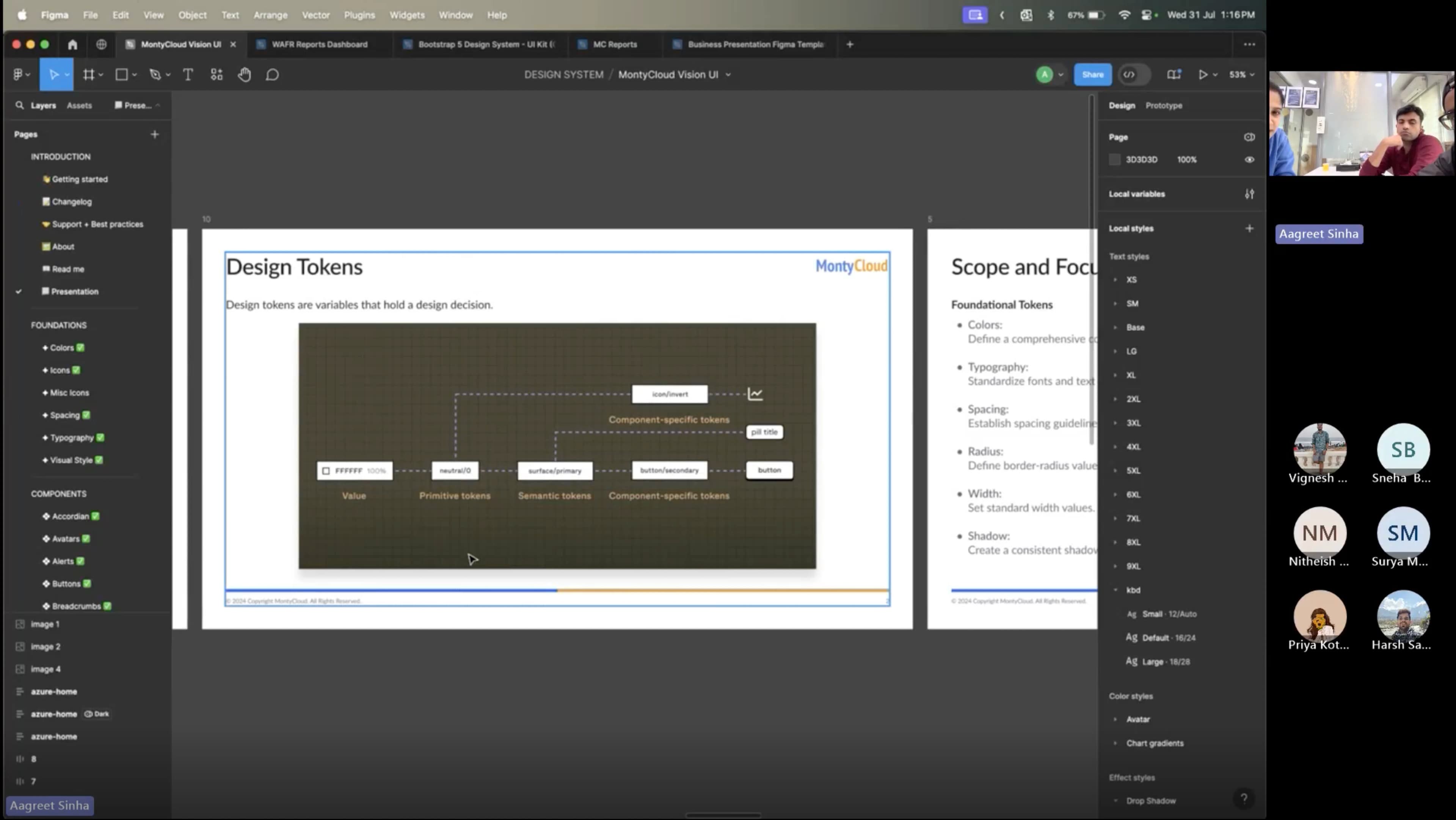
→ Built and scaled the Vision UI design system
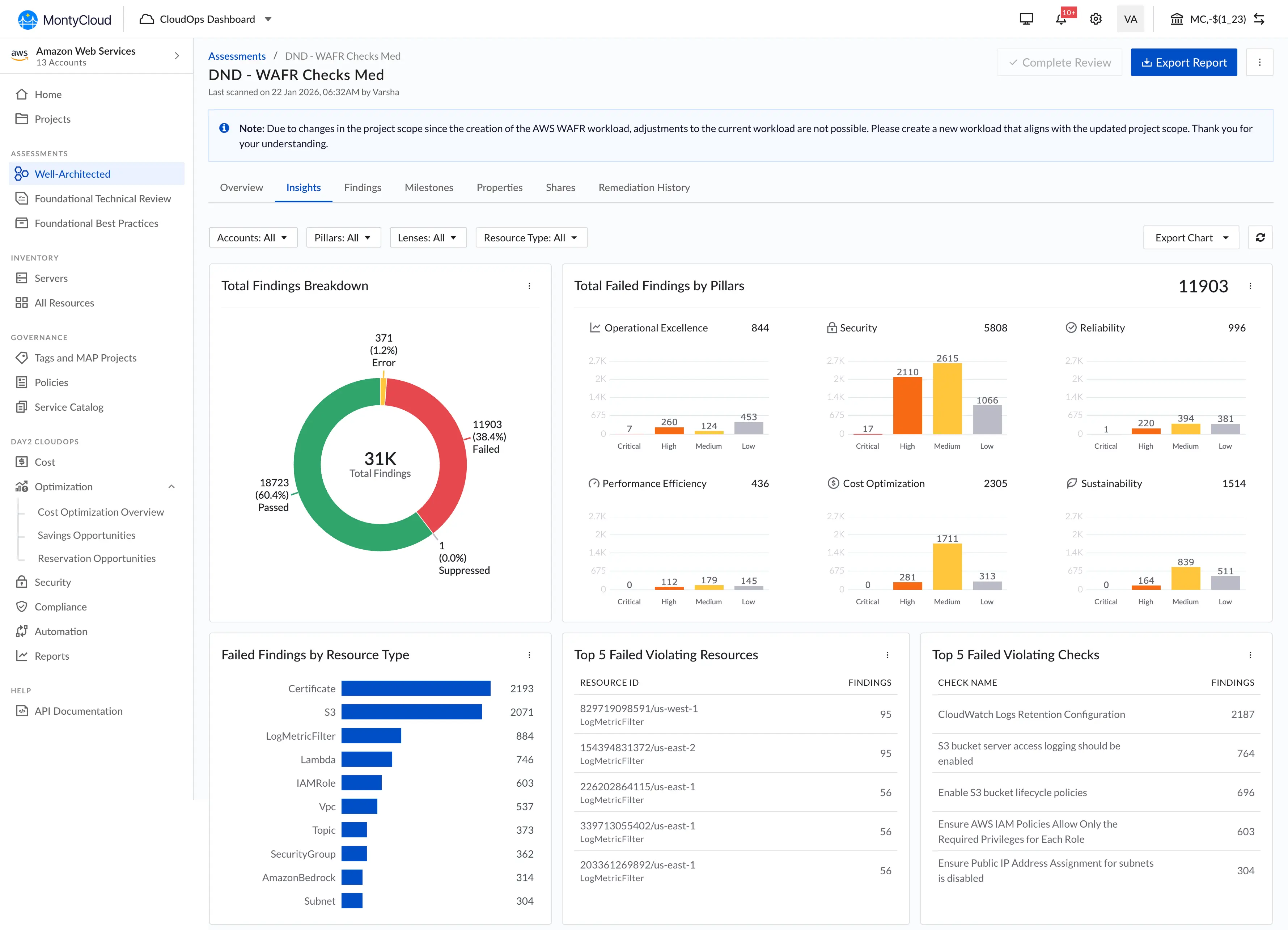
MontyCloud's AWS Well-Architected Review platform was used by Managed Service Providers (MSPs) and cloud-operations teams to assess customer environments against AWS best practices. The platform produced findings, but the workflow looked like this:
I relied on workflow observation, stakeholder interviews, and review-session walkthroughs with cloud architects, the enterprise environment didn't permit broad usability testing, so deep observation of a small number of architects became the primary research method.
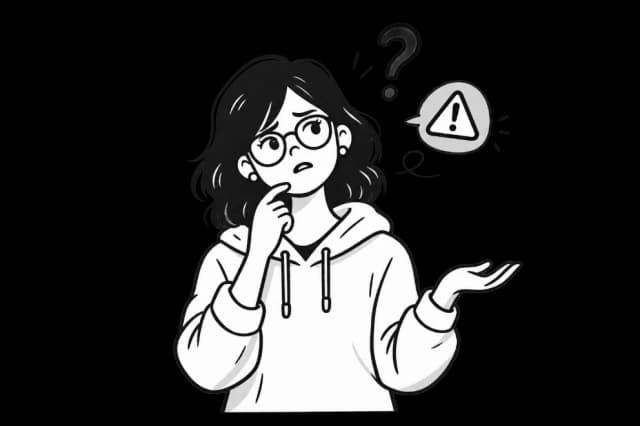
MSP' didn't know the impact of their answers until later.
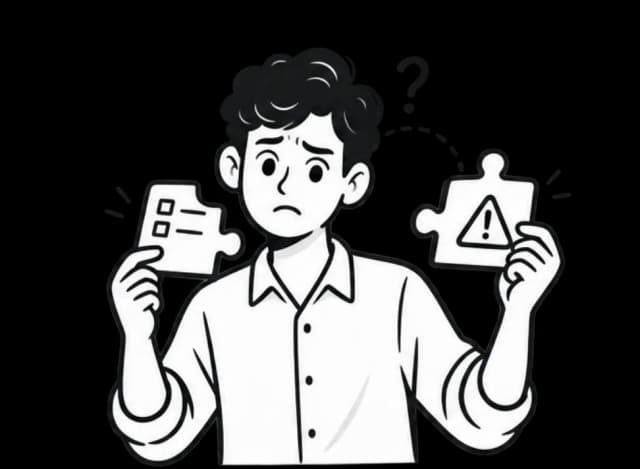
Findings were disconnected from questionnaire decisions
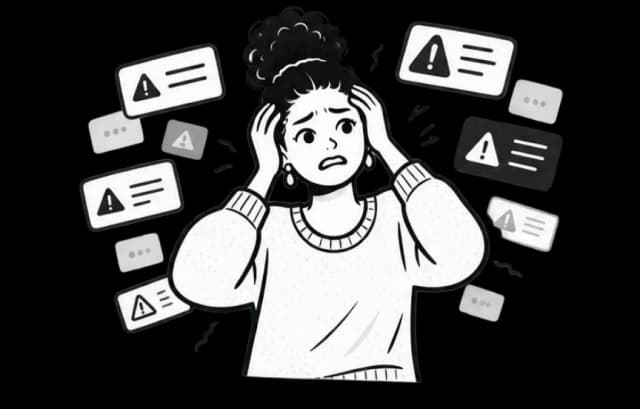
Too many findings made prioritization difficult

Cloud Architects were maintaining shadow spreadsheets just to keep track of what they'd answered and what mattered.
- Runs customer WAFR assessments end-to-end
- Needs to identify risk quickly during live calls
- Works under time pressure with stakeholders watching
- Technical, but not deeply familiar with every AWS control
- Need understandable risk explanations for customer-facing decks
- Need prioritization clarity to position remediation services
- Must explain findings to customers in real time
- Need faster onboarding and lower training burden
- Rely on the tool to be a sales-enablement asset, not a black box
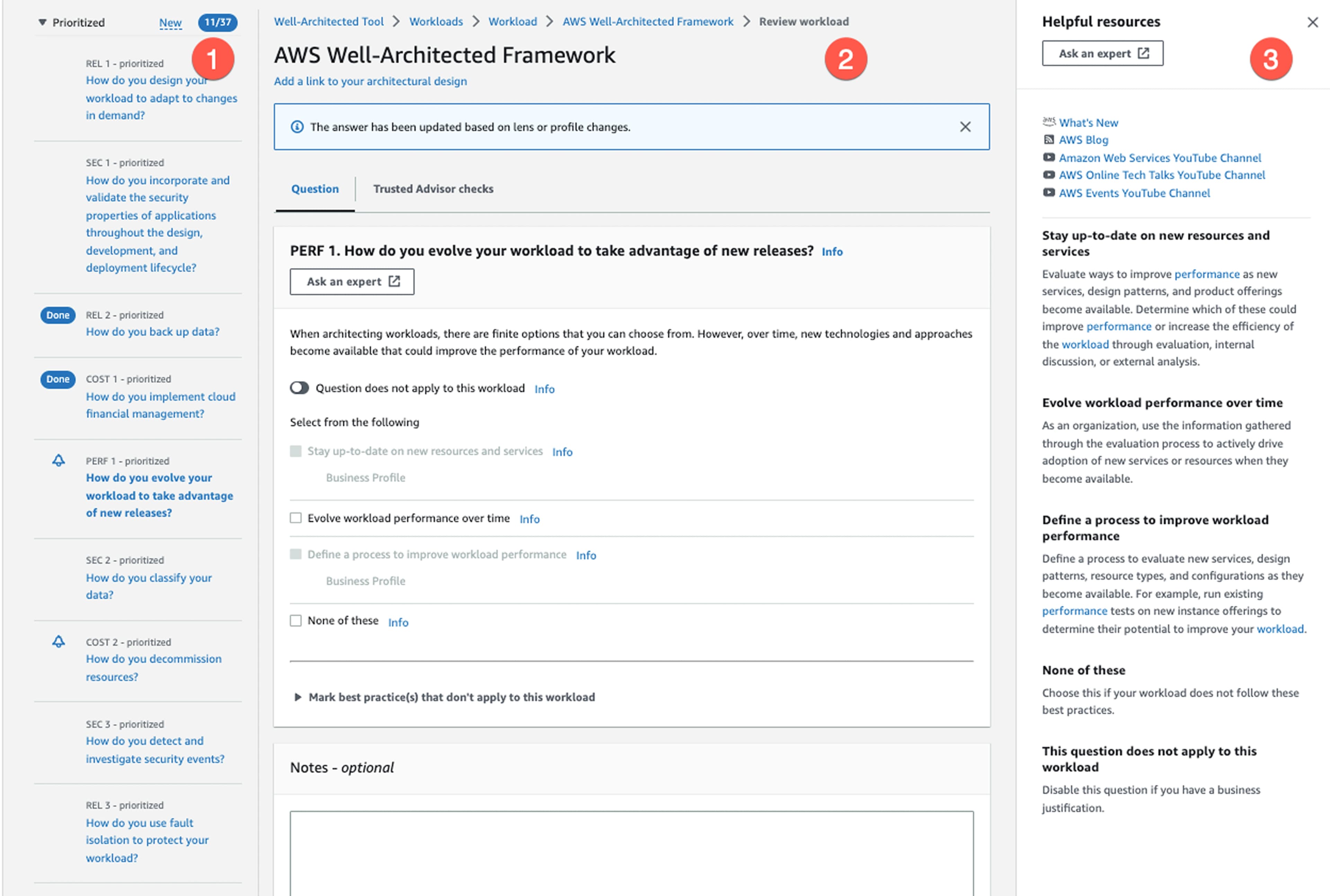
AWS original WAFR workflow had disconnected findings, no risk filtering
The design question
How might we help cloud architects understand risk implications faster during live assessment workflows: without overwhelming them with security complexity?
Hypothesis
- Architects were failing because risk was only visible after submitting, not during the assessment.
Inline risk intelligence
- Added live coaching and linked findings directly into the WAFR flow. Architects could see risk implications before submitting an answer.
Augmentation, not automation
- Explored automated cloud evaluation, but rejected it for high-stakes security workflows.
- Kept human judgment in the loop to reduce risk and avoid the cost and complexity of full automation.
- Risk preview — Showed HRI/MRI exposure directly on each best-practice check before the architect submitted an answer.
- Risk filtering — Let architects quickly filter questions by High Risk, Medium Risk, and other assessment states.
- Pillar-level visibility — Surfaced risk across AWS Well-Architected pillars so architects could focus on the areas that mattered most.
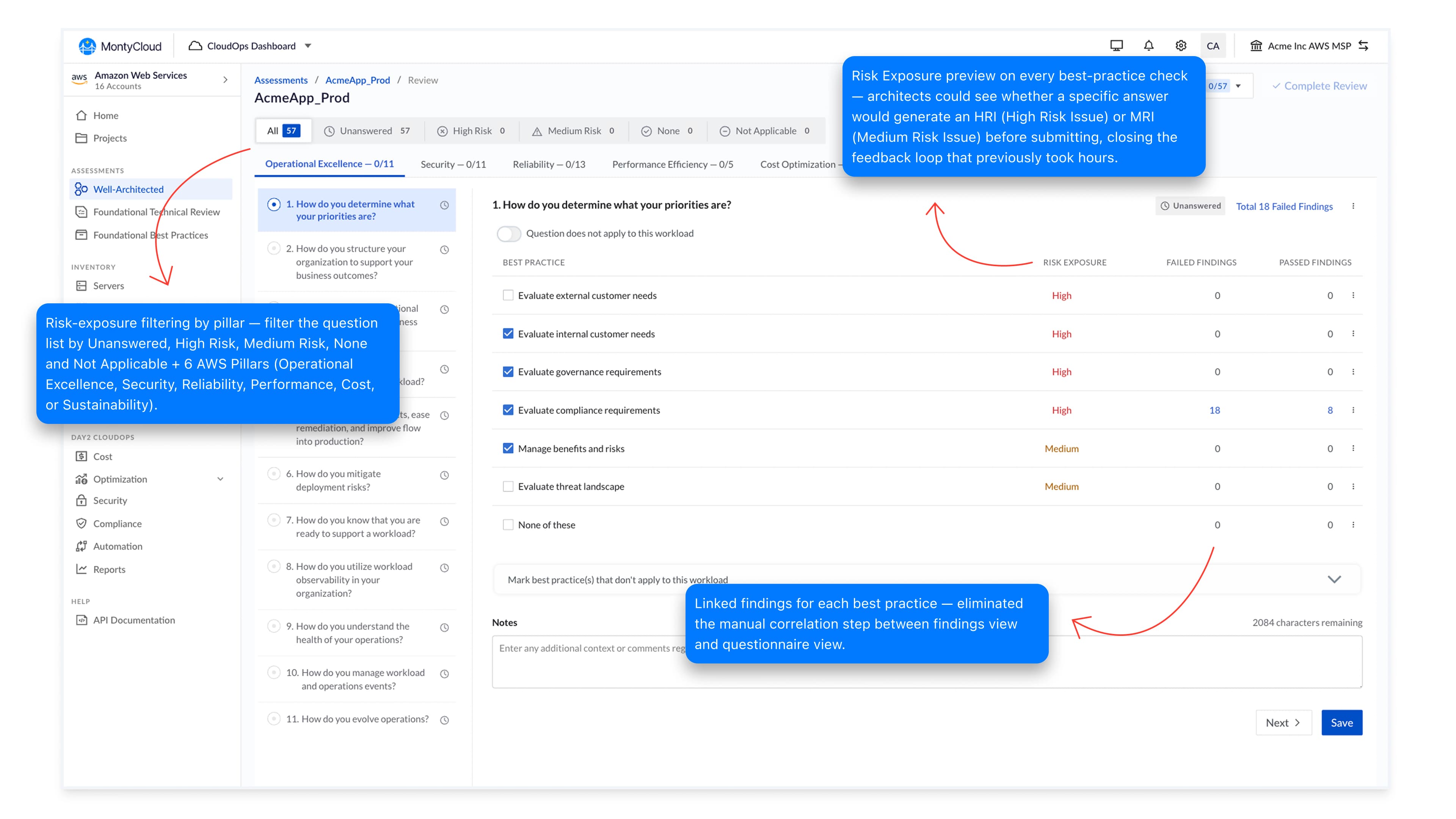
- Question → finding traceability — Linked findings directly to the best-practice checks that generated them.
- Unique finding groups — Collapsed repeated findings into clear, actionable issue groups.
- Context without switching views — Let architects inspect finding details without manually cross-referencing separate screens.
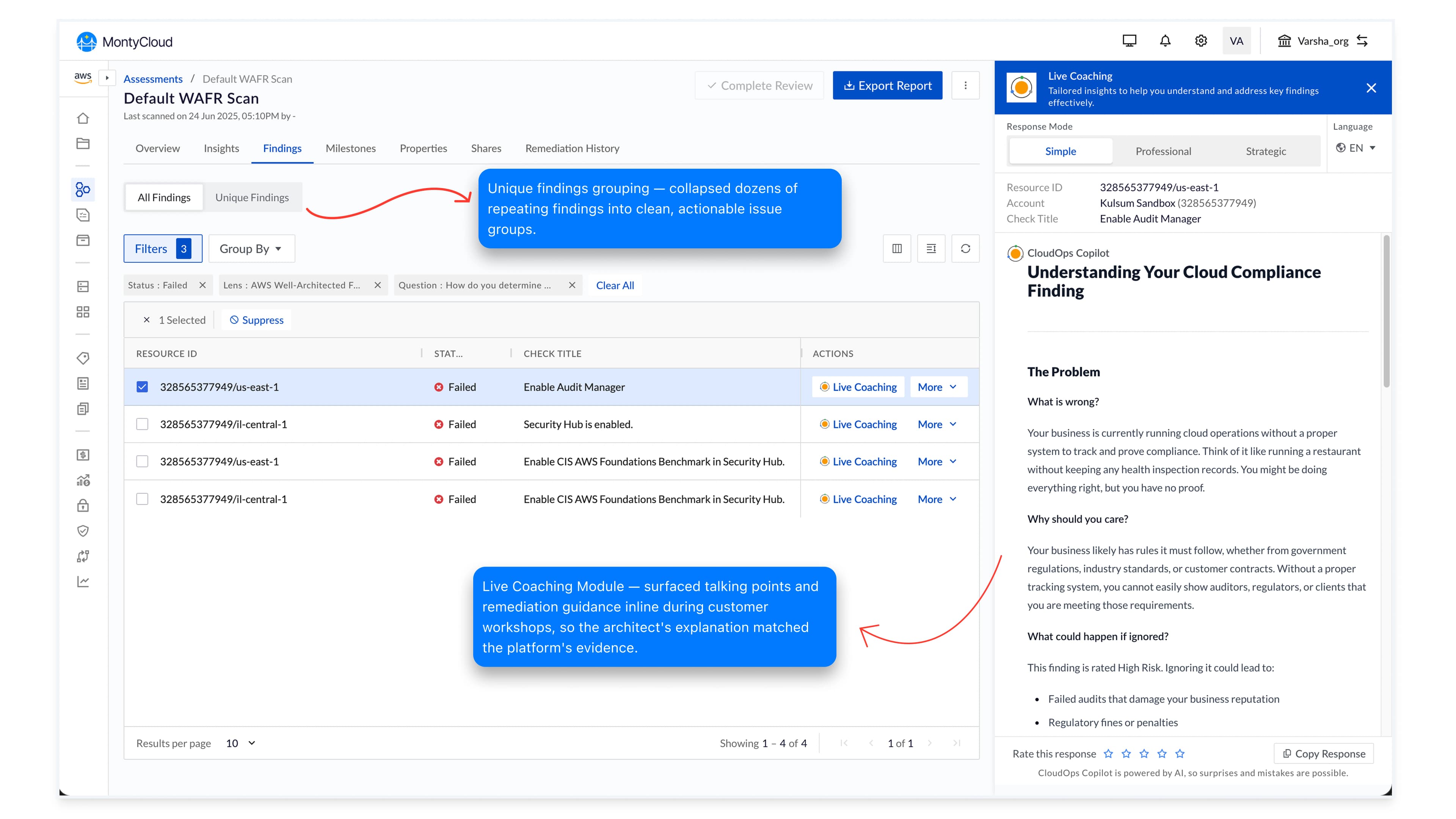
- Contextual explanations — Explained what the finding means, why it matters, and what could happen if ignored.
- Remediation guidance — Provided actionable next steps directly alongside the finding.
- Customer-ready language — Helped architects explain technical risks clearly during live customer conversations.
- Too much uncertainty. Automated risk classifications could miss customer-specific architectural context and reduce trust when wrong.
- High cost to build. Reliable automation would require significant engineering effort, validation, and ongoing model evaluation.
- Wrong level of automation. The goal was to help architects make better decisions, not automate a high-stakes security assessment end-to-end.
Augment the architect. Don't automate the judgment.
Augmentation beats automation in trust-critical workflows.
Cybersecurity, healthcare, finance, anywhere the cost of being wrong is high, removing the expert from the loop destroys the product's positioning even when the automation works.
The whole redesign hinged on holding that line.
A snapshot from the MontyCloud office · 2024